









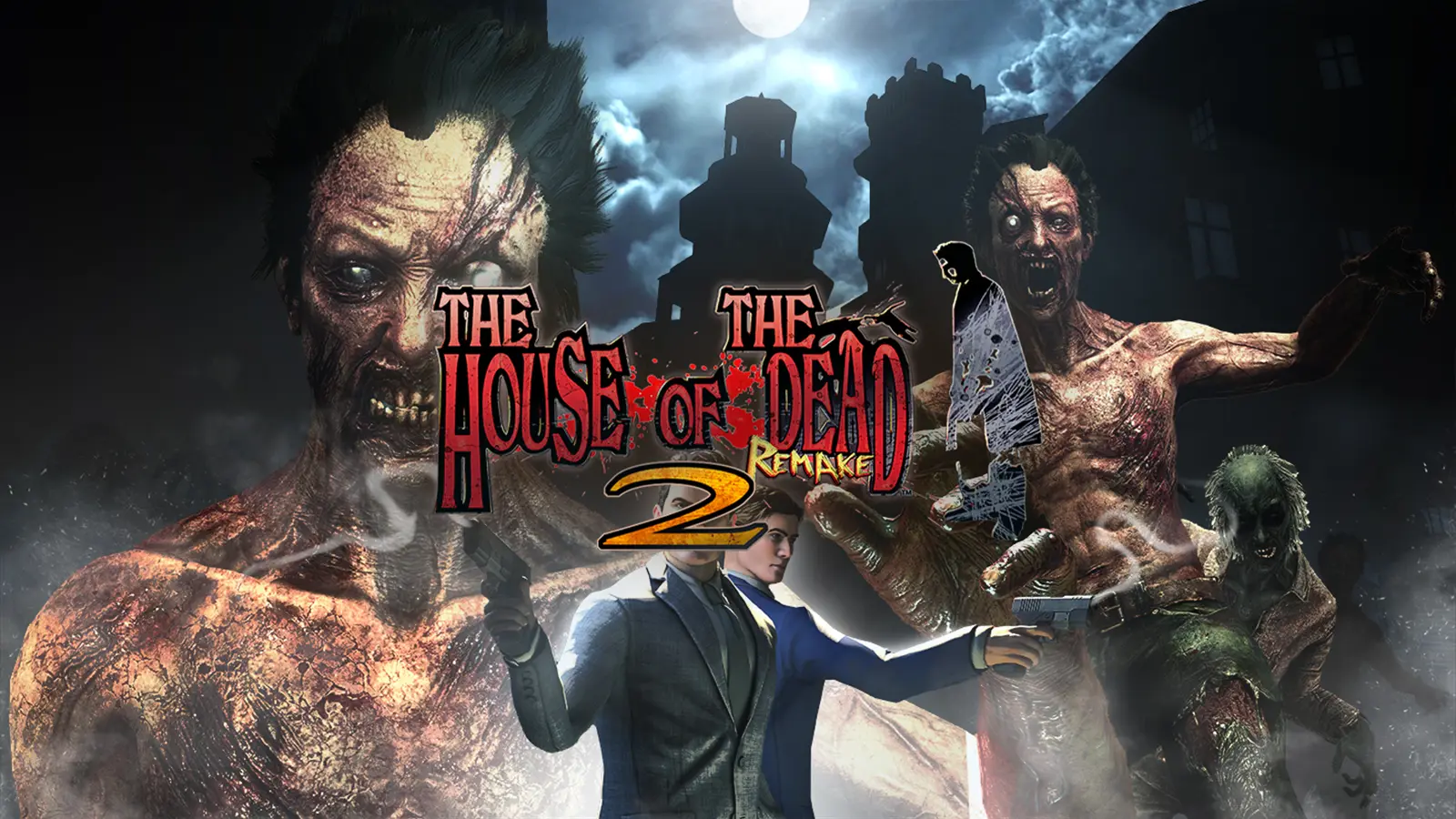
This isn't a platinum save, because I gave up on this game because it is a buggy mess.
That said, the save can still be useful for anyone looking to unlock trophies quickly or start with an advantage using cheats. I've completed several playthroughs and unlocked all weapons along with some cheats, including unlimited ammo and credits. There is also one remaining training mission needed for the “Train Well” trophy.
The save cannot be re-regioned with save wizard, but can be re-regioned using a discord bot. Refer to "Spoiler: How To Re-region".
To see this hidden content, you must react with one of the following reactions :  Like
Like
Like
Some cheats iv'e unlocked. Input them in the main menu.
Infinite credits: Up + Up + Up + R1 + R1
Infinite ammo: L1+R1+L1+R1+SQUARE+SQUARE
Train Well
From Main Menu > L1 > Training Mode > Training 4 > Kill the frog with 1 shot.
Do you really know how to use it?
Start any level with any gun
Headhunter
Get 1 Headshot
Gunner
Start a level (not sure if you have to finish the level) with each of the 9 guns:
Crossbow, Shotgun, Assault Rifle, Pitter, Grenade Launcher, Toy Gun, Machine Gun, Air Gun, Bass Lure
Tower + Emperor + Rookie + Agent + Normal Ending
Use the infinite ammo cheat in the main menu > New Campaign > Original Start New Game > Chapter 6 > Play >
Pick any weapon (I like Assault Rifle) > Finish the level. Takes around ~8 minutes. After killing the one of the dragon heads, the "Tower" trophy will pop, and the next 3 trophies will pop once you defeat the final boss. Normal ending pops after skipping the credits.
Catch'em All!
1 enemy missing. "Murrer Green". Once you find it, from the main menu, go to "the secret
lab". Trophy will then pop immediately. Apparently found in chapters 1/2 according to the wiki: https://thehouseofthedead.fandom.com/wiki/Murrer
Infinite credits: Up + Up + Up + R1 + R1
Infinite ammo: L1+R1+L1+R1+SQUARE+SQUARE
Train Well
From Main Menu > L1 > Training Mode > Training 4 > Kill the frog with 1 shot.
Do you really know how to use it?
Start any level with any gun
Headhunter
Get 1 Headshot
Gunner
Start a level (not sure if you have to finish the level) with each of the 9 guns:
Crossbow, Shotgun, Assault Rifle, Pitter, Grenade Launcher, Toy Gun, Machine Gun, Air Gun, Bass Lure
Tower + Emperor + Rookie + Agent + Normal Ending
Use the infinite ammo cheat in the main menu > New Campaign > Original Start New Game > Chapter 6 > Play >
Pick any weapon (I like Assault Rifle) > Finish the level. Takes around ~8 minutes. After killing the one of the dragon heads, the "Tower" trophy will pop, and the next 3 trophies will pop once you defeat the final boss. Normal ending pops after skipping the credits.
Catch'em All!
1 enemy missing. "Murrer Green". Once you find it, from the main menu, go to "the secret
lab". Trophy will then pop immediately. Apparently found in chapters 1/2 according to the wiki: https://thehouseofthedead.fandom.com/wiki/Murrer
Join the discord server "Xcier" AKA Proto Buffers.
 discord.gg
You have several bots to pick from, each function slightly differently, my favourite is "htos-proto". The below tutorial will use this bot.
(1) Go to the bot, "htos-proto", and press "create thread" (If it says failed to create thread, it means the bot is offline. Bots go offline occasionally, but typically return after a few hours).
View attachment 3749
(2) Join the thread, it will be named after your discord username.
View attachment 3750
(3) Since you want to reregion, type "/reregion", press enter, then press "playstation_id".
View attachment 3751
(4) Type in your playstation username, press enter, and the discord server will grab your account id.
View attachment 3752
(5) In this case you want to re-region The Walking Dead saves. Upload the save files from YOUR REGION. Each game contains different files within the CUSA folder, they might be named something else, (For The Walking Dead, there are 2 files, named "savedata0" & "savedata0.bin". Upload both of these files) but you want to upload 2 seperate files, the save data and the associated .bin file. In this example screenshot for GTA V, you want to upload either the "SAVEDATASGTA50007" file and the "SAVEDATASGTA50007.bin" or the "SAVEDATASGTA50000" and the "SAVEDATASGTA50000.bin". Don't upload the "SAVEDATASGTA50000" and the "SAVEDATASGTA50007.bin", make sure they are part of the same file.
View attachment 3753
(6) Once you do this, eventually the discord bot will tell you to upload the save data from the region you want the save from, in this case, my save file. Upload the save data and the .bin file for whatever trophy you want, and give it a couple minutes and the discord bot will give you a google drive link which you can download and upload straight onto your usb, then onto the console.
Discord - Group Chat That’s All Fun & Games
Discord is great for playing games and chilling with friends, or even building a worldwide community. Customize your own space to talk, play, and hang out.
You have several bots to pick from, each function slightly differently, my favourite is "htos-proto". The below tutorial will use this bot.
(1) Go to the bot, "htos-proto", and press "create thread" (If it says failed to create thread, it means the bot is offline. Bots go offline occasionally, but typically return after a few hours).
View attachment 3749
(2) Join the thread, it will be named after your discord username.
View attachment 3750
(3) Since you want to reregion, type "/reregion", press enter, then press "playstation_id".
View attachment 3751
(4) Type in your playstation username, press enter, and the discord server will grab your account id.
View attachment 3752
(5) In this case you want to re-region The Walking Dead saves. Upload the save files from YOUR REGION. Each game contains different files within the CUSA folder, they might be named something else, (For The Walking Dead, there are 2 files, named "savedata0" & "savedata0.bin". Upload both of these files) but you want to upload 2 seperate files, the save data and the associated .bin file. In this example screenshot for GTA V, you want to upload either the "SAVEDATASGTA50007" file and the "SAVEDATASGTA50007.bin" or the "SAVEDATASGTA50000" and the "SAVEDATASGTA50000.bin". Don't upload the "SAVEDATASGTA50000" and the "SAVEDATASGTA50007.bin", make sure they are part of the same file.
View attachment 3753
(6) Once you do this, eventually the discord bot will tell you to upload the save data from the region you want the save from, in this case, my save file. Upload the save data and the .bin file for whatever trophy you want, and give it a couple minutes and the discord bot will give you a google drive link which you can download and upload straight onto your usb, then onto the console.
Resigning is just as easy as re-regioning.
To begin, create a thread (Follow steps 1 & 2 from "How to Re-region").
(1) Type "/resign". Press enter, then press "playstation_id".
View attachment 3754
(2) Type in your playstation username, press enter, and the discord server will grab your account id.
(3) After a few seconds, the bot will ask you to upload the files you would like to resign from your account. In this case, upload the "savedata0" and the "savedata0.bin" files from the respective trophy folder you want to resign. To upload a file/files, click the "+" symbol in the bottom left corner of the below image.
View attachment 3755
(4) Once uploaded, give the bot a few minutes to resign, then the bot will give you a google drive link which you can download and upload straight onto your usb, then onto the console.
To begin, create a thread (Follow steps 1 & 2 from "How to Re-region").
(1) Type "/resign". Press enter, then press "playstation_id".
View attachment 3754
(2) Type in your playstation username, press enter, and the discord server will grab your account id.
(3) After a few seconds, the bot will ask you to upload the files you would like to resign from your account. In this case, upload the "savedata0" and the "savedata0.bin" files from the respective trophy folder you want to resign. To upload a file/files, click the "+" symbol in the bottom left corner of the below image.
View attachment 3755
(4) Once uploaded, give the bot a few minutes to resign, then the bot will give you a google drive link which you can download and upload straight onto your usb, then onto the console.
The discord bot is sometimes unreliable. If it gives you an error, or say that it is "thinking", that it means the bot is down. Don't worry, you can try use another bot in the server. With some of the other bots, when you try /resign or /re_region, it will ask you for a few different things, for example "save_files", "account_id" or "game_id".
Here's how to get "save_files":
This is asking for a link to the save file, so instead of uploading the files (like how i explained in the tutorial), you need to provide a link. To get a link of the save file, go to my save set for the house of the dead, then right click on the CUSA folder, press share, then press copy link. You now have the link. If you cannot do this because you are not the owner of the files, you'll need to download it, upload it to google drive, then you'll be able to get the link (as seen in the below video from 00:40).
"account_id" is your account id which you can simply find by writing the command "/my_account_id" into any bot, then writing your PSN name which the bot will then give you your account id.
"game_id" is only if you want to re-region the game. Here you will provide the CUSA code for the region of the game you'd like the save to be re-regioned to.
When "htos-proto" is down, I typically like using either "ezwizard-3" or "dreamer-ez3". For the "dreamer-ez3" bot, you can type in the command "/dm_me_when_online" and you will be notified when the bot is available for use.
Here's how to get "save_files":
This is asking for a link to the save file, so instead of uploading the files (like how i explained in the tutorial), you need to provide a link. To get a link of the save file, go to my save set for the house of the dead, then right click on the CUSA folder, press share, then press copy link. You now have the link. If you cannot do this because you are not the owner of the files, you'll need to download it, upload it to google drive, then you'll be able to get the link (as seen in the below video from 00:40).
"account_id" is your account id which you can simply find by writing the command "/my_account_id" into any bot, then writing your PSN name which the bot will then give you your account id.
"game_id" is only if you want to re-region the game. Here you will provide the CUSA code for the region of the game you'd like the save to be re-regioned to.
When "htos-proto" is down, I typically like using either "ezwizard-3" or "dreamer-ez3". For the "dreamer-ez3" bot, you can type in the command "/dm_me_when_online" and you will be notified when the bot is available for use.
Last edited:


